Define the essential work
Agree the users, mailboxes, files and workflows that matter most, along with acceptable sync lag and switch-over times.

The appliance
Cloud backup is valuable. A working local environment goes further: it gives your team somewhere to continue the work that matters.
The on-site appliance combines local hardware, free and open-source software, continuous synchronisation and a documented switch-over procedure. The result is a continuation plan built around the way your business actually operates.
Think of it as operational insurance for the working day: a prepared local option, ready for the moment you need it.
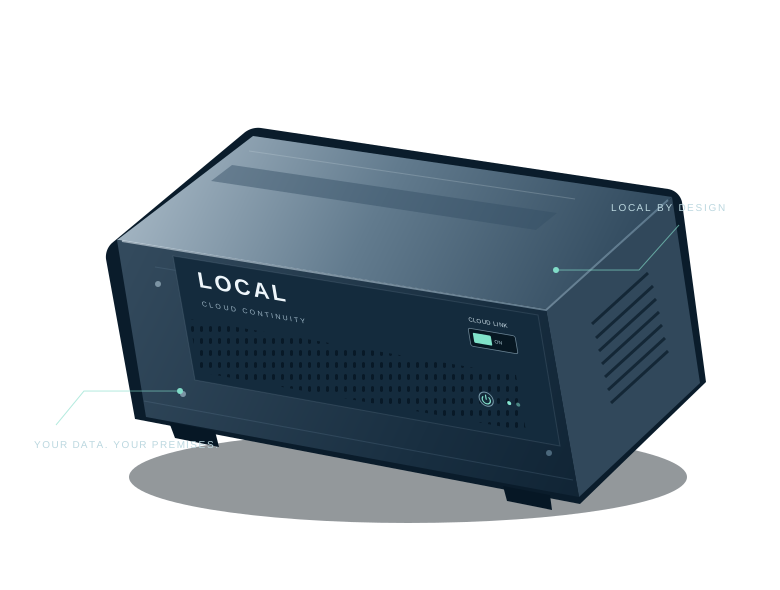 Illustrative hardware. Final specification is agreed per deployment.
A local operating option
The appliance sits on your premises, continuously synchronising the services and datasets in your agreed scope. Locally hosted applications make that data usable when the primary cloud service is unavailable.
Local workspace available
More than a stored copy
This is a business continuity capability, with an appliance at its centre. We define the work that must continue and the conditions it needs.
Agree the users, mailboxes, files and workflows that matter most, along with acceptable sync lag and switch-over times.
Configure local applications, permissions and a sign-in route that can work independently of the cloud service being protected.
Test user access, the physical isolation control and the agreed working procedures while the cloud link is unavailable.
Document reconnection, reconciliation of changes and the return to normal operation. Test the procedure against the chosen services.
Appliance options
Three deployment profiles provide a starting point. Capacity, storage protection, power resilience and service scope are specified for your organisation.
Every appliance is scoped and quoted individually. Your cloud subscriptions remain separate; hardware and deployment requirements determine the proposal.
Practical questions
The offering is an on-site continuity appliance and an agreed continuation plan. It gives the business a prepared alternative for defined cloud-dependent work. Ongoing maintenance and any support arrangements are set out separately in your proposal.
Synchronisation runs continuously, with timing measured for each service. Provider APIs, permissions, data volumes and connection quality affect how quickly changes arrive. We agree and test the acceptable sync gap for your deployment.
It isolates the appliance’s cloud-facing connection while preserving the local network path needed by your users. It is part of the agreed network design, not a switch that turns off your entire office network.
Continuous synchronisation and independent backups serve different purposes. A synced deletion or unwanted change may reach the local copy. Your design should include appropriate version history, snapshots or independent backups as well as a continuation environment.
The agreed local services can be used over your local network, provided the appliance, network, power and local sign-in remain available. Internet email delivery and cloud-only applications require their own connectivity and continuity arrangements.
Plan for the moment you need it
Let’s define what your team needs to keep doing — and put a practical continuation plan in place.
Discuss your requirements